Would you spend $1,500 on a machine that could be outdated in just three years? Or would that same money buy you six solid years of peak performance?
The answer depends on whether you pick a gaming laptop or a standard one. Many people assume a higher price tag means a longer life. But that’s not always true. Gaming laptop lifespan hinges on three things: how long the hardware stays functional, how long it runs modern games well, and when parts start to fail.
PCWorld reports that gaming laptops typically function for four to six years under normal use. With top-tier care, some push past the ten-year mark. WePC puts that range at four to seven years, depending on build quality and cooling. Business Insider pegs general laptops at four to five years — but notes gaming models can feel outdated faster as new titles demand more power.
So, do gaming laptops last longer than their everyday counterparts? The short answer is: it depends. A mid-range gaming rig gives you three to four strong years. A high-end model stretches that to six. Brands like MSI are known for using premium materials and backing their machines with solid warranties, which is why MSI laptops last around five years on average.
Gaming laptop longevity comes down to the hardware inside, the tasks you throw at it, and how well you maintain it. This article breaks down every factor — from cooling systems to upgrade options — so you can make a smarter buying decision.
Key Takeaways
- Gaming laptops generally last between three and six years, with high-end models reaching up to six or seven years.
- A standard laptop averages four to five years, but gaming laptops can outpace them when built with quality components.
- Gaming laptop lifespan depends on hardware quality, cooling efficiency, and your maintenance habits.
- Game demands grow each year, which can make a gaming laptop feel outdated faster than a general-use machine.
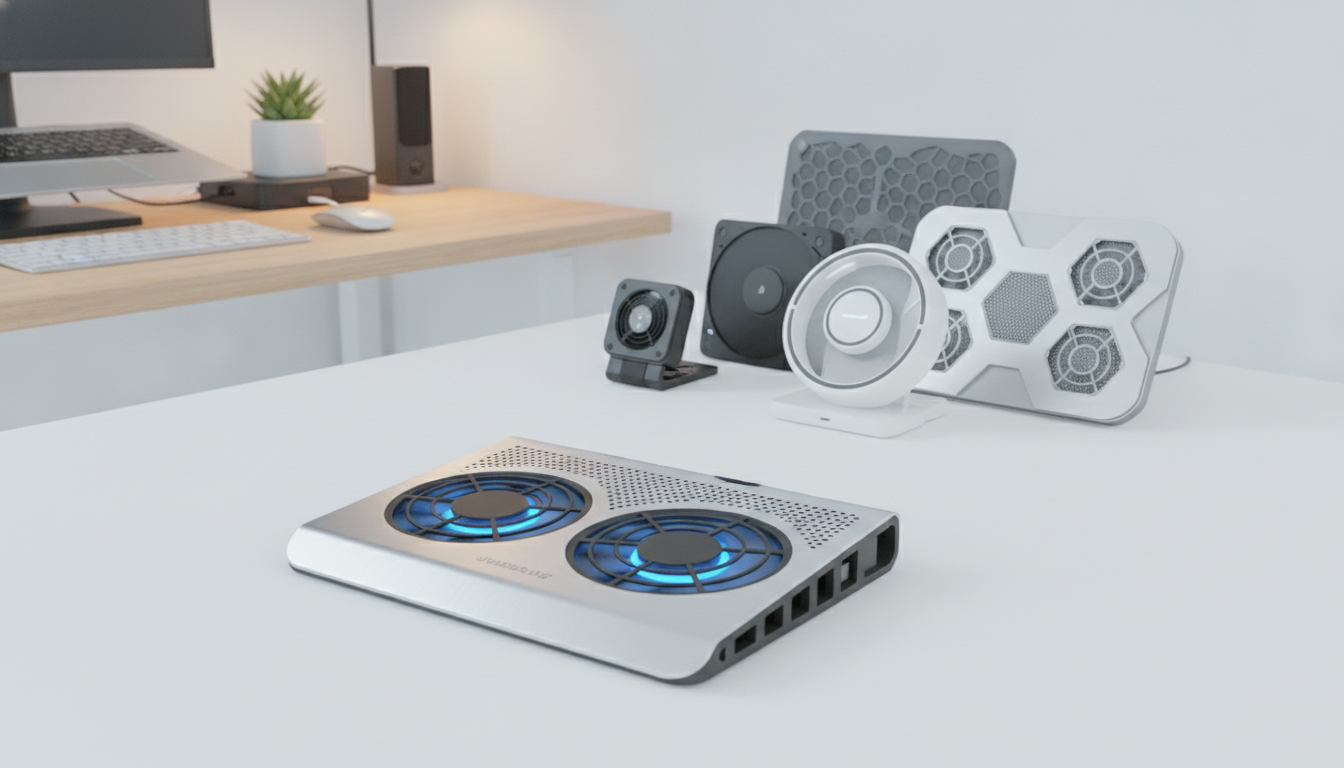
- Investing in proper cooling — whether built-in or through a cooling pad — can extend your laptop’s useful life.
- No laptop is immune to overheating and hardware wear, so regular care is essential for long-term performance.
Understanding the Components of Gaming Laptops
Gaming laptops are powerful and portable. They have special parts that make them different from regular laptops. These parts help them last longer and work better.
GPU vs. Integrated Graphics
A dedicated GPU from NVIDIA or AMD is key for gaming laptops. Regular laptops use integrated graphics built into the processor. Dedicated GPUs handle complex visuals but generate far more heat.
These graphics chips are soldered onto the motherboard. You can’t swap them out when newer games demand more power. This is a key factor in gaming laptop build quality and long-term value.
CPU Performance Comparisons
Gaming laptops use high-performance processors from Intel Core i7/i9 or AMD Ryzen 7/9 lineups. These chips run at higher clock speeds than regular laptop processors.
| Feature | Gaming Laptop CPU | Regular Laptop CPU |
|---|---|---|
| Clock Speed | Up to 5.8 GHz (Intel Core i9-14900HX) | Up to 4.4 GHz (Intel Core i5-1340P) |
| Core Count | 8–24 cores | 4–10 cores |
| Thermal Output (TDP) | 45–55W | 15–28W |
| Upgradeable | No (soldered) | No (soldered) |
That extra power creates greater heat. More heat means more stress on every part inside the chassis.
Cooling Systems in Gaming Laptops
Cooling is where gaming laptop durability faces its biggest test. Most gaming laptops use dual-fan setups with heat pipes and vapor chambers. Brands like ASUS ROG and MSI engineer custom thermal solutions for their flagship models.
The challenge is simple: compact designs leave less room for airflow. This pushes cooling systems to work harder, which accelerates wear over time. Strong gaming laptop build quality in the cooling department can add years to your machine’s life.
Understanding these components gives you a clear picture of what drives performance — and what impacts longevity. Up next, we’ll look at the materials and design choices that protect these parts.
Build Quality and Durability
The materials and design of your laptop are key to its lifespan. When comparing gaming laptops to regular ones, build quality stands out. Premium laptops use strong parts that last longer. Budget laptops cut corners, leading to a shorter life.
Are gaming laptops durable enough for their price? It depends on the model. High-end gaming laptops can last 5 to 7 years. Budget models might only last 2 to 4 years. The difference lies in materials, cooling, and construction.
Materials Used in Gaming Laptops
Gaming laptops often have strong frames, aluminum, and rubber buttons. These protect the inside from drops and daily use. You can check gaming laptops for everyday tasks to see their durability.
Important parts affected by material quality include:
- Hinges — cheap plastic ones break faster than metal
- Fans and bearings — better parts last longer without breaking
- Keyboard keys and trackpads — high-quality ones resist wear from typing
Impact of Design on Longevity
Chassis design affects heat management. A good design lets air flow to important parts. Bad designs can trap heat, damaging parts over time.
| Laptop Tier | Estimated Lifespan | Chassis Quality | Repair Cost Risk |
|---|---|---|---|
| Budget Gaming | 2–3 years | Plastic, basic cooling | $500+ per component |
| Mid-Range Gaming | 3–5 years | Mixed materials, decent airflow | $300–$500 per component |
| High-End Gaming | 5–7 years | Metal alloy, advanced cooling | $200–$400 per component |
With care, some gaming laptops can last up to 10 years. Their heavy designs have bigger cooling systems and stronger frames. This extra weight helps them last longer.
Battery Life Expectations
Battery health is key when asking how long gaming laptops last. Modern laptops use lithium-ion batteries. These batteries start losing power from the start.
Business Insider says the battery is the first weak spot in laptops. Knowing this helps you take care of your laptop.
Gaming Laptops vs. Regular Laptops
Gaming laptops use up batteries faster than regular ones. Their powerful GPUs and processors need lots of power. A regular laptop can last 8–10 hours. But, a gaming laptop might only last 3–5 hours.
| Feature | Gaming Laptop | Regular Laptop |
|---|---|---|
| Battery Life (New) | 3–5 hours | 8–10 hours |
| Battery Life (After 2 Years) | 1.5–3 hours | 5–7 hours |
| Power Consumption Under Load | 80–150W | 15–45W |
| Typical Battery Replacement Cost | $80–$200 | $50–$100 |
Gaming laptops’ batteries cycle faster. This makes them degrade faster too.
How Battery Age Affects Performance
After 2–3 years, batteries lose 20–30% of their power. You might wonder if gaming laptops break easily. The answer is no. The laptop still works, but the battery doesn’t hold as much charge.
Many gamers use a wall outlet every day. This makes the laptop less portable. But, it still works well. Replacing the battery is a smart way to keep your laptop going longer.
- Avoid draining the battery to 0% regularly
- Keep charge levels between 20% and 80% when possible
- Store the laptop in a cool, dry environment
Good battery care can make your laptop last longer. This is important, as we’ll see in the next section about upgrading your laptop.
Upgradeability of Gaming Laptops
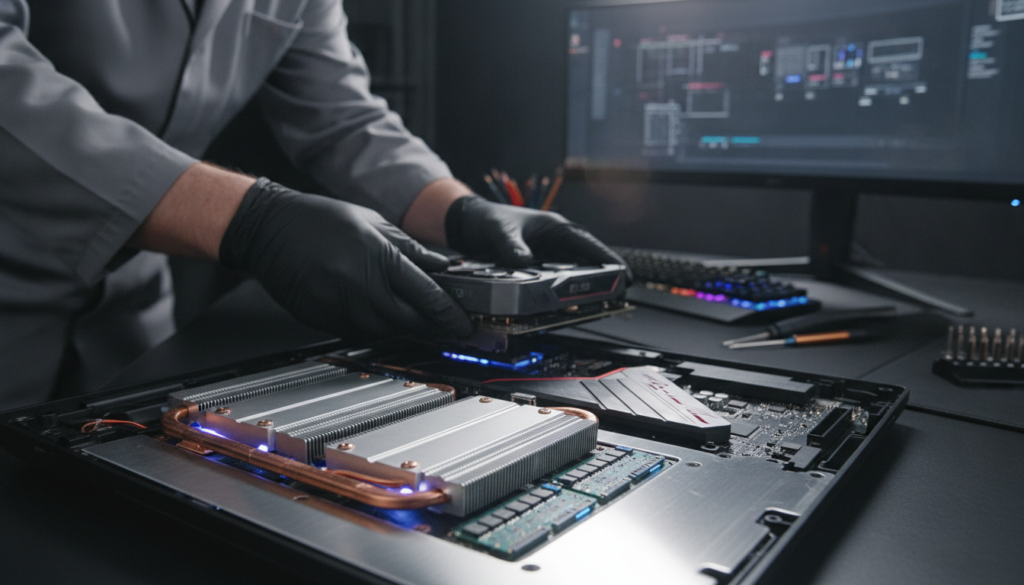
Upgrading your gaming laptop is a smart way to make it last longer. Not all parts are fixed. You can swap some out to make your laptop faster and delay buying a new one.
Unlike desktops, gaming laptops have CPUs and GPUs that can’t be changed. You cannot swap these important chips. This is something to think about before you buy.
Common Components that Can Be Upgraded
But, there’s good news. Many parts in your gaming laptop can be upgraded. Adding more RAM or an SSD can make your laptop faster and last longer.
- RAM modules – Going from 8GB to 16GB or 32GB makes multitasking and games load faster.
- Storage drives – Switching to an NVMe SSD makes your laptop start up and apps load much quicker.
- Batteries – Some laptops, like ASUS, MSI, and Lenovo, let you swap batteries to keep playing longer.
Benefits of Modular Design
Gaming laptops with modular designs let you update key parts without getting a new laptop. This makes your laptop last longer than fixed designs.
| Component | Upgradeable? | Estimated Lifespan Boost | Typical Cost |
|---|---|---|---|
| RAM | Yes (most models) | 1–2 years | $30–$80 |
| SSD/Storage | Yes (most models) | 1–2 years | $50–$150 |
| Battery | Select models only | 6–12 months | $40–$100 |
| GPU | No (soldered) | N/A | N/A |
| CPU | No (soldered) | N/A | N/A |
Upgrading your laptop can make it last longer than usual. Before buying a new one, see what you can upgrade first.
Typical Lifespan of Gaming Laptops
How long do gaming laptops last? It depends on what you buy and how you use it. PCWorld says most gaming laptops work well for 4 to 6 years. With good care, some can last 10 years or more. But, if you ignore them, they might not last 3 years.
How Usage Affects Longevity
How you use your laptop affects its life. Doing heavy tasks like video editing or playing big games stresses it out. But, just browsing the web or doing office work is easier on it.
TechTheLead gives us a clear guide:
- 1–2 years at max graphics settings
- 3–4 years at medium settings
- ~5 years for casual play
By year 4, most GPUs can’t handle new games well. The laptop still works, but it’s not as good for gaming.
Average Lifespan Compared to Regular Laptops
Gaming laptops and regular laptops age differently. A mid-range gaming laptop lasts 3 to 5 years. A high-end business laptop can last 5 to 7 years for office work. Brands like Alienware can last 3 to 4 years, and with care, even longer.
| Laptop Type | Average Lifespan | Primary Use | Key Limiting Factor |
|---|---|---|---|
| Budget Gaming Laptop | 2–3 years | Casual gaming, light tasks | Outdated GPU |
| Mid-Range Gaming Laptop | 3–5 years | Modern gaming, content creation | Thermal wear on components |
| High-End Gaming Laptop | 5–7 years | Intensive gaming, professional work | Software demands outpacing hardware |
| Standard Business Laptop | 5–7 years | Office work, web browsing | Battery degradation |
| Budget Regular Laptop | 2–4 years | Basic tasks, email | Low-quality build materials |
How long your gaming laptop lasts depends on how well you take care of it and use it wisely.
The Role of Cooling Systems
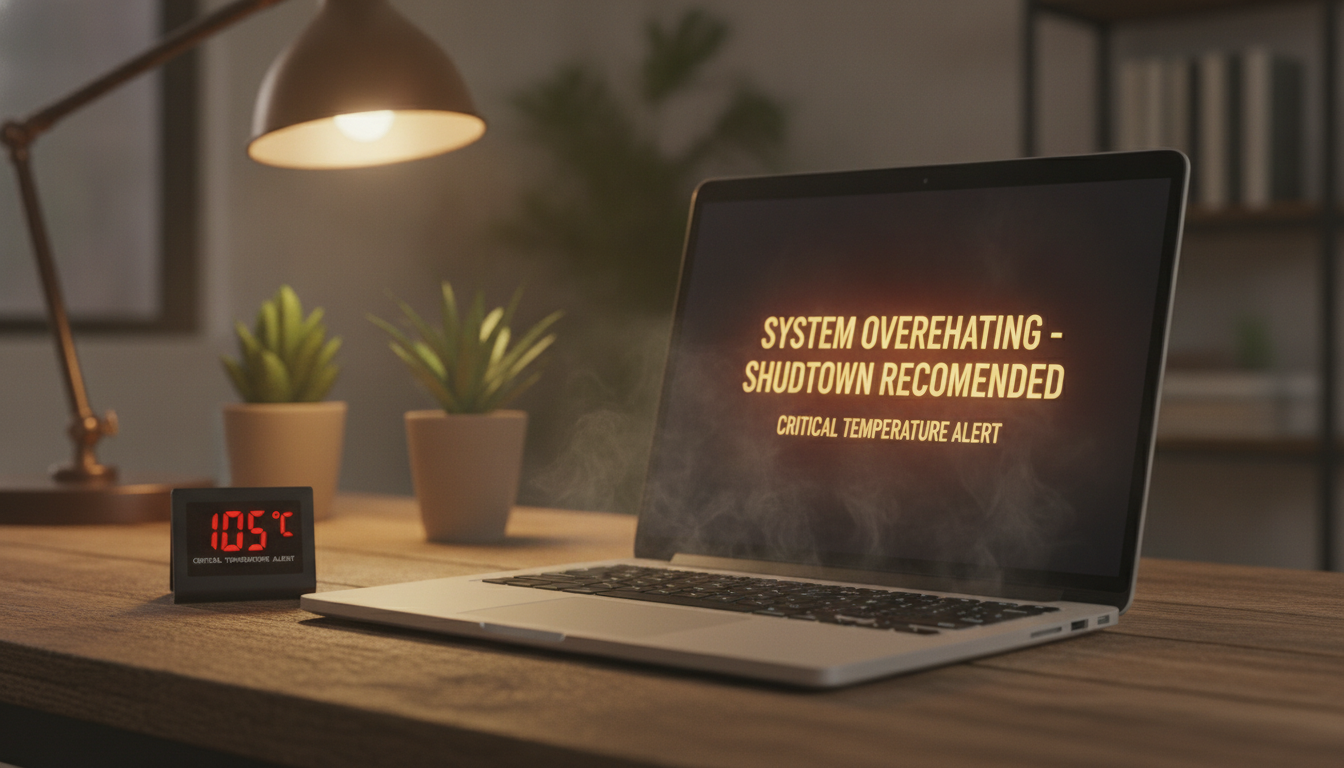
Heat is the biggest danger to gaming laptops. They hold over 150 watts of heat in small spaces. Without good cooling, this heat can damage parts from the inside.
Importance of Effective Cooling
Can gaming laptops handle heat every day? It really depends on their cooling. Good cooling keeps CPU and GPU during long play. If they get too hot, performance drops by 20–40%.
Top gaming laptops use special cooling:
- Liquid metal thermal compounds for better heat transfer
- Vapor chamber technology for even heat spread
- Multiple heat pipes and dual or triple fans
- Aluminum or magnesium alloy chassis for heat spreading
Impact on Lifespan and Performance
Every 10°C increase in temperature cuts component life by half. A laptop at 95°C instead of 75°C loses years of life. Thermal paste dries out and dust blocks fans and heatsinks, raising temperatures.
Compact designs make it hard for air to flow. Some laptops, like the MSI GS66 Stealth, can get up to 97 degrees Celsius when pushed hard. Using a cooling pad and raising your laptop can help.
| Temperature Range | Performance Effect | Lifespan Impact |
|---|---|---|
| Under 75°C | Full sustained performance | Maximum component life |
| 75°C–85°C | Mild throttling possible | Moderate degradation |
| 85°C–95°C | Noticeable throttling | Significant wear |
| Above 95°C | 20–40% performance loss | Rapid component failure risk |
Good cooling means your laptop lasts longer, works better, and keeps its value when you upgrade.
Software and Operating System Considerations
Hardware is just part of the story. The software you use is very important. It makes a big difference if gaming laptops last longer than regular ones.
Gaming vs. General Use Software Needs
Gaming software is much harder on your laptop than everyday apps. Programs like Microsoft Word or Google Chrome don’t use much power. But, new games from Ubisoft or Bethesda need more power every year.
This difference is key when comparing gaming laptops to regular ones. A regular laptop can last six or seven years with office software. But, a gaming laptop might only last three to four years, even if it still works well.
| Software Type | Hardware Demand Level | Typical Useful Life |
|---|---|---|
| Office & Productivity | Low | 5–7 years |
| Web Browsing & Streaming | Low to Medium | 5–6 years |
| AAA Gaming Titles | High | 3–5 years at high settings |
| Video Editing & 3D Rendering | High | 4–5 years |
Updates and Their Effects on Longevity
Updates from Microsoft or Apple can make your laptop faster and safer. But, they can also make your laptop need more to run. For example, Windows 11 stopped working with many older processors in 2021.
Keeping your drivers and firmware up to date is important. Skipping updates can lead to problems. If your system can’t get updates anymore, it’s time to get a new one.
- Install OS updates promptly to maintain security and stability.
- Update GPU drivers regularly for the best game performance.
- Watch for software that no longer supports your hardware generation.
Do gaming laptops last longer with good software management? Yes, they can. Keeping your software up to date can add a year or more to your laptop’s life. This helps you stay productive and enjoy games longer.
Performance Under Load
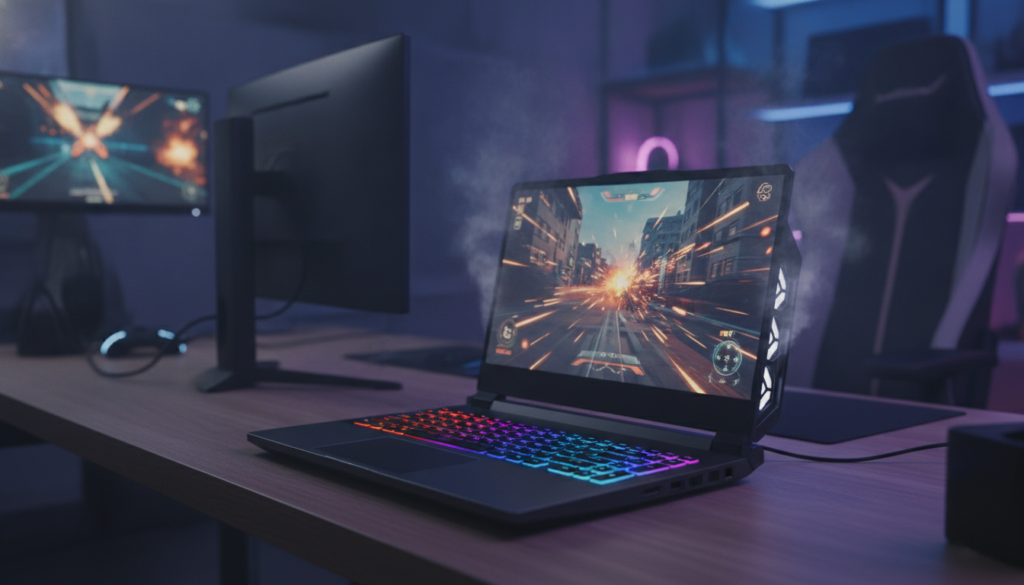
Gaming makes your CPU and GPU work very hard. This hard work makes them very hot. Knowing how your laptop handles this heat is important for its long life.
How Gaming Laptops Handle Intensive Tasks
In the first two years, your gaming laptop works great. You can play big games at high settings. Sometimes, small changes might happen, but it’s not big.
By years three and four, games need more power. You might need to play at medium settings. Thermal paste gets old and dust builds. This makes it harder to keep cool. The battery also gets weaker, so you need to plug in more.
So, do gaming laptops break easily? Not if you keep them cool and don’t push them too hard. Taking breaks and cleaning helps a lot.
Comparing Performance Maintenance Over Time
| Timeframe | Expected Settings | Common Issues | Battery Health |
|---|---|---|---|
| Year 1–2 | High / Ultra | Minor driver-related dips | 90–100% capacity |
| Year 3–4 | Medium | Thermal throttling begins | 60–80% capacity |
| Year 5 | Low / Medium | Fan or hinge failures possible | 40–60% capacity |
| Year 6–7+ | Low or older titles only | Major component failures likely | Below 40% capacity |
Laptops with energy-efficient processors and solid-state drives use less power. This helps them stay cool longer and last longer.
The bottom line: your gaming laptop will work well for about four years. With good care, it can last even longer, but at lower settings.
User Maintenance and Care
How long your gaming laptop lasts depends on how you take care of it. Even the best laptops will break down if not cared for. Simple habits can make your laptop last longer.
Best Practices for Maintaining Laptops
Dust is bad for your laptop. Clean out fans, heat sinks, and vents with compressed air every six to twelve months. This keeps your laptop cool and safe.
After two or three years, the thermal paste needs a refresh. Use Noctua NT-H1 or Thermal Grizzly Kryonaut to keep your CPU cool.
Here are some easy steps to keep your laptop in top shape:
- Place your laptop on a hard, flat surface to keep vents clear
- Use a cooling pad during heavy workloads
- Switch to a balanced or battery-saver power profile for light tasks
- Avoid charging to 100% constantly — keep the battery between 20% and 80% when possible
- Keep your operating area cool and well-ventilated
Common Mistakes That Shorten Lifespan
Many people unknowingly shorten their laptop’s life. Using it on a bed or blanket blocks airflow. This can damage your laptop’s parts.
Running heavy tasks on a basic power profile is also bad. Not updating your software can make your laptop slow and vulnerable.
Choosing to maintain your laptop can make a big difference. Skip maintenance, and you might get three years. Stay consistent, and five to seven years is possible — even for gamers.
Cost Considerations
How much you spend upfront affects how long your laptop lasts. The parts you choose at the start matter a lot. Let’s look at what you might spend and save over time.
Initial Investment vs. Longevity
A budget laptop from Acer Nitro or Lenovo IdeaPad Gaming costs $600–$900. These laptops last 2–4 years before they can’t handle new games.
A high-end laptop from ASUS ROG or Razer costs $1,500–$2,500. These laptops last 5–7 years. Spending more upfront means they last longer.
| Price Tier | Typical Cost | Expected Lifespan | Cost Per Year |
|---|---|---|---|
| Budget | $600–$900 | 2–4 years | $225–$450 |
| Mid-Range | $1,000–$1,500 | 3–5 years | $200–$500 |
| High-End | $1,500–$2,500 | 5–7 years | $215–$500 |
The Cost of Upkeep Over Time
Keeping your laptop clean and well-maintained is cheap. Cleaning vents and replacing thermal paste every 1–2 years costs $20–$50. These steps help your laptop last longer.
Here’s a tip: if fixing your laptop costs more than half its value, it’s time to get a new one. Swapping the battery for $80–$150 is worth it if your laptop still works well.
- Thermal paste replacement: $10–$20 per application
- Battery replacement: $80–$150
- Professional cleaning: $30–$60
- RAM or SSD upgrade: $50–$150
Spending wisely on maintenance and choosing quality parts at the start is key. It helps your laptop last longer for your money.
Final Thoughts on Longevity
Do gaming laptops last longer than regular ones? It depends on how you use and care for it. A gaming laptop well taken care of can last four to six years.
Some brands like ASUS ROG or MSI can last even seven years. But, you’ll see slower speeds and older graphics.
When to Upgrade: Signs Your Laptop Is Aging
Your laptop will show you when it’s time to get a new one. Look for crashes, overheating, and a weak battery. If it can’t run new software or repair costs are too high, it’s time to replace it.
For business users, an old laptop is a security risk. It also slows down work.
Balancing Performance and Lifespan
Are gaming laptops worth the extra cost? Usually, yes. They have stronger builds, better cooling, and parts you can upgrade. This makes them better than cheaper laptops.
The trick is to upgrade at the right time. Not too soon or too late.