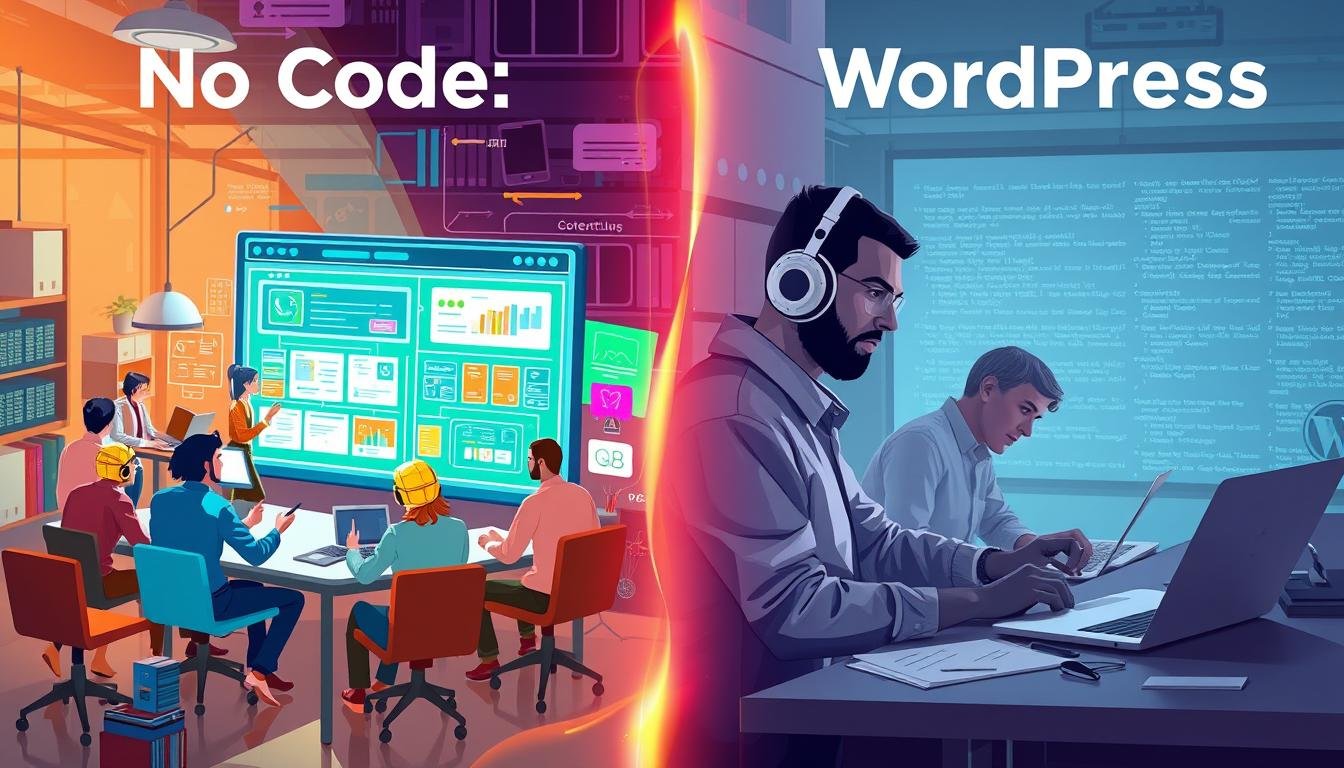
Which platform helps your business launch faster and scale smarter?
This article compares two dominant approaches so you can decide with data, not guesswork.
WordPress powers about 43% of all websites and offers deep customization through themes and plugins. Self-hosted setups give you full control, but expect hosting bills, theme fees, and ongoing maintenance.
Managed platforms focus on speed, predictable pricing, and built-in security. Some, like Inblog, push automated SEO with Lighthouse scores above 90 and direct Google Search Console integration.
You’ll see clear comparisons of setup time, costs, SEO, and maintenance. We explain when control beats convenience and when fully managed tools help you ship in hours instead of weeks.
Key Takeaways
- WordPress gives maximum customization but needs hands-on updates and varied costs.
- Managed platforms cut setup time and include hosting, security, and performance.
- SEO can be plugin-driven on WordPress or automated (Lighthouse 90+) on managed tools.
- Evaluate site needs: complex, custom builds often favor WordPress; landing pages and corporate sites favor managed speed.
- For a broader look at managed CMS options and integrations, see no-code content management systems.
What readers mean by “no code vs WordPress” today
Decision-makers focus on three things: time to market, ownership, and total cost of running a site. That framing covers both tactical launches and strategic control.
Present-day buyers in the U.S. balance speed against flexibility. Managed platforms let you launch in hours with bundled tools, hosting, SSL, CDN, and security. Self-managed setups give deeper control but add setup time, maintenance, and unpredictable costs.
Choose by intended use. If your priority is a fast campaign or a corporate landing page, simplicity and predictable plans often win. If your site will evolve into a complex business engine, owning the stack gives you unmatched flexibility and integration options.
- Time: hours for managed platforms; days or weeks for self-managed systems.
- Costs: predictable subscriptions versus variable hosting, themes, and plugin fees.
- Security & process: built-in protections on managed platforms; user-managed updates on self-hosted setups.
For a practical guide on rapid site creation and the tools that speed the process, see no-code web development. Your final choice should map to team skills, risk tolerance, and how you plan to use the site over time.
Foundations: How WordPress and no-code platforms work

Start by understanding how each platform manages content, hosting, and extensibility. That view helps you match a site to team skills and business goals.
WordPress at a glance
WordPress is an open-source content management system built on PHP and MySQL. It powers roughly 43% of all websites and uses thousands of themes and over 59,000 plugins to add features without writing code.
Self-hosted WordPress.org gives you full ownership of data, hosting, backups, and configuration. That control rewards teams that need deep customization and unique integrations.
No-code platforms explained
Managed platforms like Webflow, Wix, Studio, and Inblog combine visual drag-and-drop editors with hosting, security, CDN, and backups. Templates and visual tools cut development time and reduce technical knowledge requirements.
Inblog automates SEO to reach Lighthouse scores above 90 and integrates natively with Google Search Console, lowering setup friction for performance-focused sites.
Key pros and cons
- Pros: WordPress offers flexibility and extensibility through themes and plugins. Managed platforms deliver speed, predictable maintenance, and built-in security.
- Cons: WordPress demands ongoing updates and security hardening. Managed platforms restrict deep customization to the features the platform supports.
- Choose based on whether you value ownership and extensibility or an all-in-one, low-maintenance site creation tool.
no code vs wordpress: core differences that impact your site
Choosing the right platform changes how quickly a project moves from idea to launch. This section highlights the practical contrasts that affect your time, budget, and ongoing workload.
Setup and launch speed: Managed platforms ship in hours with hosting, CDN, and SSL preconfigured. Self-managed setups take days or weeks for hosting selection, installation, and plugin configuration.
- Skills: Visual builders cut the learning curve. Self-hosted systems require knowledge of hosting, plugins, caching, and occasional coding.
- Costs: All-inclusive plans make pricing predictable. Self-managed sites stack hosting, themes, and plugin fees over time.
- SEO: Many sites rely on plugins for SEO. Some managed platforms automate technical SEO and target Lighthouse 90+ out of the box.
- Security & performance: Managed platforms include SSL, DDoS protection, and global CDN. On self-hosted sites, security is your responsibility with regular updates and monitoring.
- Customization & maintenance: Templates speed design work. Code-driven platforms deliver deeper customization but demand ongoing updates, backups, and compatibility checks.
If you prefer predictable operations and less ops work, review the managed platforms guide. If your team values full control and extensibility, plan for the extra setup and maintenance time.
U.S.-specific considerations for platforms and businesses

Selecting a platform for a U.S. audience means prioritizing security, integrations, and clear budgeting. These factors determine how smoothly your site runs and how much ops work your team must absorb.
Compliance and standards: Managed platforms include SSL and DDoS protection by default. That reduces your compliance burden and centralizes core security controls.
On self-managed systems, you own hosting choices, configuration, and verification. That gives control but adds work for legal and security teams.
Ecosystem and integrations
Native integrations speed setup. For example, Inblog ties directly into Google Search Console and Zapier, so analytics and workflows link quickly.
With plugin-based setups you can match those integrations, but you must install, test, and update plugins regularly.
Scaling traffic in the U.S. market
Predictable performance matters for marketing campaigns and high-traffic launches. Managed platforms use global CDNs and automated optimization to maintain speed.
Self-hosted sites scale with host quality, caching, and disciplined plugin use—this often raises variable costs and ops time.
- Budgeting: Managed plans offer predictable pricing (example: $39/month for teams; $2,990/year for very high traffic).
- Updates & management: Managed systems abstract updates away; self-managed sites require hands-on updates and plugin checks.
- Governance: Define who owns incident response and vendor risk—your team or the provider.
| Consideration | Managed platform | Self-managed system |
|---|---|---|
| Security | SSL, DDoS, standardized protections included | Owner must configure SSL, DDoS mitigation, and hardening |
| Integrations | Native Google Search Console, Zapier; faster setup | Plugin-driven integrations; manual install and testing |
| Scaling & performance | Global CDN and automated optimization | Depends on host, caching, and systems tuning |
| Budget predictability | Fixed plans and known costs | Variable costs for hosting, traffic, and add-ons |
For businesses that prioritize rapid campaigns and consistent uptime, consider managed platforms and tools as a first choice. If ownership and deep customization matter more, plan resources for ongoing security, updates, and plugin management.
Best-fit use cases based on purpose and team resources
Match your team’s skills and timeline to the right platform for each publishing goal. This helps you focus on outcomes: ranking long-form content or launching campaigns fast.
Blogging and content hubs: If you plan an expanding content library with deep categories, choose the platform that gives granular SEO control, editorial roles, and taxonomy depth. That setup suits long-term traffic and content-driven business models.
Corporate sites and landing pages: For quick campaigns, polished design, and minimal maintenance, managed templates and themes speed delivery. You get predictable hosting, built-in performance, and fewer ops tickets.
- Content hubs: Best when you need content workflows, richly categorized posts, and advanced SEO tuning.
- Instant publishing: Ideal for campaign pages, product launches, and seasonal promos using ready-made templates and fast editors.
- Team reality: If you lack in-house operations, favor managed platforms to reduce maintenance and support burden.
- Future plans: Pick full-control sites when custom functionality and deeper integrations matter.
| Use case | Best fit | Why it works |
|---|---|---|
| Large content hub | Self-hosted site | Deep taxonomy, plugins, and editorial roles for SEO and scale |
| Corporate website | Managed platform | Templates, themes, and fast brand execution with low maintenance |
| Campaign or landing page | Managed platform | Quick launch, predictable performance, and simplified publishing tools |
| Complex integrations | Self-hosted site | Custom functionality and ownership of data and hosting |
For practical marketing tools that speed publishing and promotion, see our guide to internet marketing tools. Use that resource to match tools to your workflows and content goals.
Your decision framework: match goals, skills, and growth plans
Begin by mapping what success looks like for your site and how quickly you must reach it.
Define the primary outcome—lead gen, publishing scale, or brand presence—and set a clear timeline. This choice shapes whether you favor rapid launch or long-term development.
Assess your team's knowledge and experience. List who handles hosting, caching, updates, and coding. If your team prefers visual editors over hands-on development, that reduces training time.
Map resources and decide how much management you want to offload. Estimate the time you can commit to maintenance and the budget for growth over 12–24 months.
- Prioritize security: choose managed security or own patching and monitoring.
- Weigh customization: deep customization needs often require coding and development capacity.
- Consider content management: heavy editorial workflows point to platforms with robust editorial tools.
Pressure-test assumptions: pilot a small site on a fast platform or prototype features on a self-hosted option. Then decide with clarity and pick the option that minimizes risk while matching your business goals.
For a practical reference on quick storefront setups, see the no-code e‑commerce guide as a launch companion.
Make a confident choice and build the site that fits your goals
Pick the path that gets your business live fast while leaving room to grow.
Look at goals, team skills, and timeline. That way you match the right platform to the outcome you need.
The benefits of managed builders include speed, predictable costs, built-in security, and fewer moving parts. The benefits of WordPress include ownership, extensibility, and a large ecosystem of plugins and themes.
Assemble the right building blocks: use templates for fast creation or bespoke development for unique features. Keep websites lean—install only essential plugins and plan updates and maintenance up front.
For a practical comparison of builders and a deeper look at hosted tools, see no-code website builders and this site builder guide.