The shift towards telecommuting has left many of us pondering about remote job requirements and the specifics of work from home equipment. The central question on our minds remains: Do remote jobs provide equipment? As we navigate the new norms of working outside the traditional office environment, the answers to these queries are more varied than one might expect. With different companies adopting diverse policies, it’s important for us to understand what might be in store for our home office setup. Some companies do provide equipment for remote employees, such as laptops, monitors, and even ergonomic office chairs. However, others may require employees to use their own devices and supply their own office furniture. Additionally, it’s essential to consider not only the equipment provided but also how remote job salaries are affected by these arrangements. Understanding the full scope of remote job requirements and benefits, including equipment and compensation, is crucial for anyone considering a career shift to telecommuting.
From BYOD policies to comprehensive home office stipends, the landscape is as dynamic as the ever-evolving nature of remote work itself. We’re here to unravel these approaches and give you the lowdown on what to anticipate when setting up your personal workspace. Whether you’re a seasoned remote professional or embarking on your first telecommuting role, knowing if your potential employer equips you for success is a pivotal stepping stone in this digital age.
Understanding Employer Provision of Remote Work Equipment
As the shift towards remote work persists, we must recognize the range of approaches employers take when providing equipment for remote work. The essentials of a home office can drastically affect productivity. It’s not just about having a laptop; it’s the comfort of a good chair, the efficiency of a second monitor, and the reliability of a high-speed internet connection. To shed light on this, let’s explore the common items provided and policies affecting remote workers nationwide.
“By understanding what remote work equipment.. our businesses stay competitive and our employees remain satisfied and efficient.”
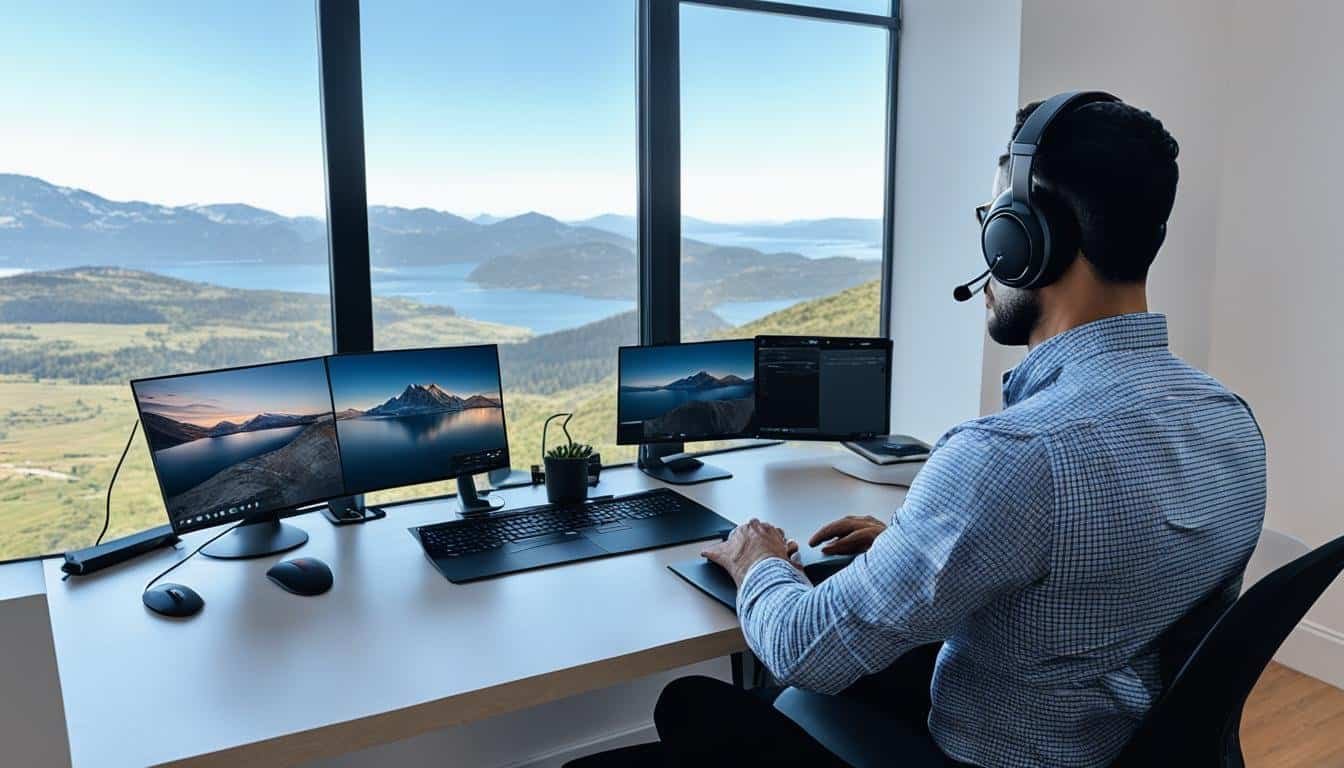
Many employers are now offering a one-time stipend for home office setup. This financial kickstart allows us to equip our workspace with what we know works best for us. For some, this means investing in an ergonomic chair or a noise-canceling headset, while for others, it may cover the cost of an upgraded internet plan ensuring seamless connectivity for remote jobs.
| Equipment Type | Essential for Remote Work | Typically Provided by Employer | Common Stipend Amount |
|---|---|---|---|
| Laptop/Computer | Yes | Yes | $800 – $1,200 |
| Headset | Yes, for communication-intensive roles | Sometimes | $50 – $100 |
| Ergonomic Chair | Highly recommended | Rarely | $100 – $500 |
| Internet Upgrade | Essential for uninterrupted work | Sometimes | $60 – $100/month |
To navigate this new normal, it’s important for us to know what equipment is needed for remote jobs and to clarify with prospective or current employers who owns these items. Companies vary on their policies: some might require return of equipment upon job termination, while others consider them a vested benefit.
Ultimately, deciphering the specifics of employer-provided remote work equipment lets us handle expectations and create an optimal work environment. Whether it’s about leveraging a stipend or getting the right tools directly from the company, the goal remains consistent – to harmonize the necessities of our roles with the comfort of working from home.
Prepping for Remote Work: Equipment Guidelines and Expectations
As we delve into the remote workforce, it’s imperative to grasp the remote job essentials needed to thrive in a home-based setting. Our preparation involves piecing together a reliable remote job equipment checklist — a crucial step that often reflects our professionalism and dedication to the role. The expectations for equipment provided in remote jobs can vary significantly based on our chosen company and position. Specific jobs may necessitate a private, uncluttered space coupled with company-supplied hardware, while others might only need to cover communication costs through reimbursement.
It has become increasingly common for companies that are entirely remote to extend offerings like home office and coworking allowances. These encompass a blend of hardware and software tools designed to create a seamless work environment. The bare minimum for any remote position typically hinges on having access to a robust computer, a steadfast internet connection, and a reliable phone line. Some workplaces go the extra mile to ensure the comfort and health of their employees by including an ergonomic workspace setup as part of the package. Top-notch firms such as Automattic, Buffer, and Apple are known for their generous provisions or stipends that cater to these needs, ensuring employees are equipped to meet company standards.
As we continue to navigate the evolving landscape of remote work, it’s essential to anticipate diverse policies regarding work from home job supplies. With companies like 1Password and BroadPath detailing itemized equipment lists, employees can look forward to clear guidelines and assistance in setting up their remote offices. This industry shift toward supplying necessary tools or offering stipends underscores the corporate recognition of remote work’s progression. As such, we should be prepared to engage in open dialogues with potential employers about the specific provisions for equipment when exploring new remote work opportunities. Our success in remote roles will often begin with how well we’re equipped, and understanding these expectations is the first step toward a fruitful remote career.